
01 · Settle in
Getting started
Open this activity from the app. If it offers a choice of mode, read the differences below before starting.
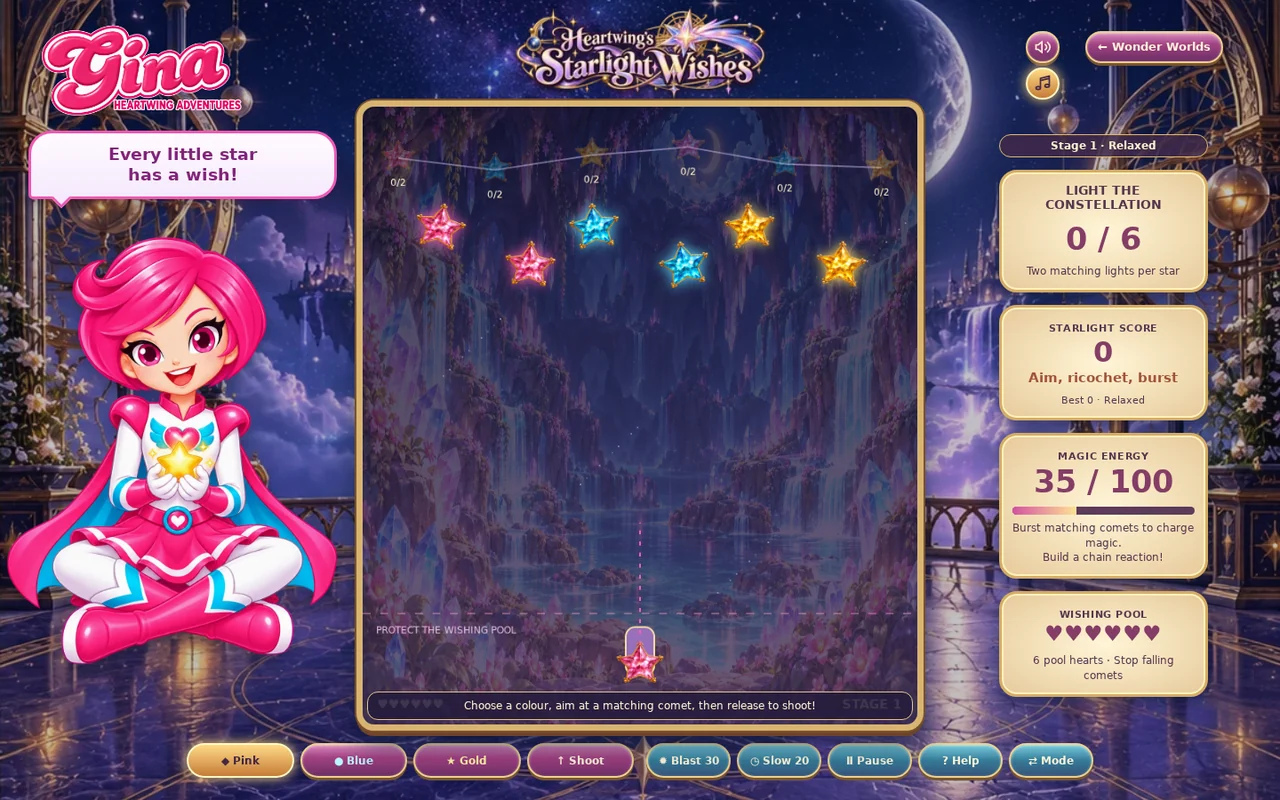
- Choose Pink, Blue or Gold. Drag to aim and release to shoot, or tap a comet for a direct shot.
- Keyboard: 1/2/3 select colour, arrows aim, Space fires and P pauses.
02 · Make a little magic
How to play
Choose the colour needed by an incoming comet and the constellation.
Aim directly or bounce a shot off the sides or top.
Burst matching comet groups and gather enough coloured light for each star.
Light every star before the pool loses its hearts, and before the Challenge timer expires.
03 · Know your world
Objects & controls
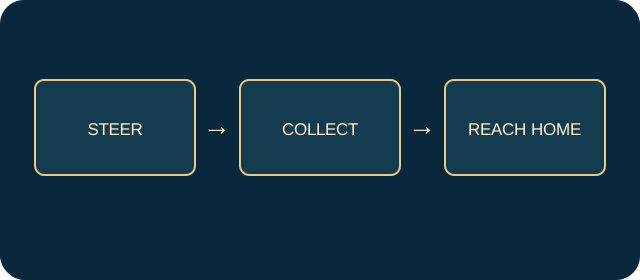
Use this field guide alongside the picture and the labels inside the game.
- Coloured comet
- Must be hit by its matching shot colour.
- Sunburst comet
- Accepts any colour and starts chain explosions.
- Constellation socket
- Needs two lights of its displayed colour.
- Wishing pool
- Loses a heart when a comet reaches the bottom.
- Blast
- Costs 30 magic; ten-second cooldown.
- Slow Time
- Costs 20 magic and slows comets for four seconds.
- Ricochet
- A shot reflected from a side or the top.
04 · Your goal
Modes & passing levels
- Relaxed has six pool hearts and no countdown.
- Challenge has fewer hearts, faster comets and a decreasing stage timer.
05 · A helping hand
Helpful tips
- A wrong-colour hit does not clear the comet.
- Use Slow Time when several comets approach the pool, then clear the lowest danger first.
06 · Before you leave
Progress & Sparks
The game’s score, stars, hearts and magic are different from your family’s spendable Sparks. The app confirms any Sparks awarded under the current account rules, waiting periods and daily limits.
Use the game’s menu to leave and allow any save or reward confirmation to finish. If the app reports a connection or saving problem, keep that message in mind before closing. Guest saving can differ from signed-in profile saving.
These instructions do not unlock paid content or spend Sparks. The app shows the current preview and access options.