
01 · Settle in
Getting started
Open this activity from the app. If it offers a choice of mode, read the differences below before starting.
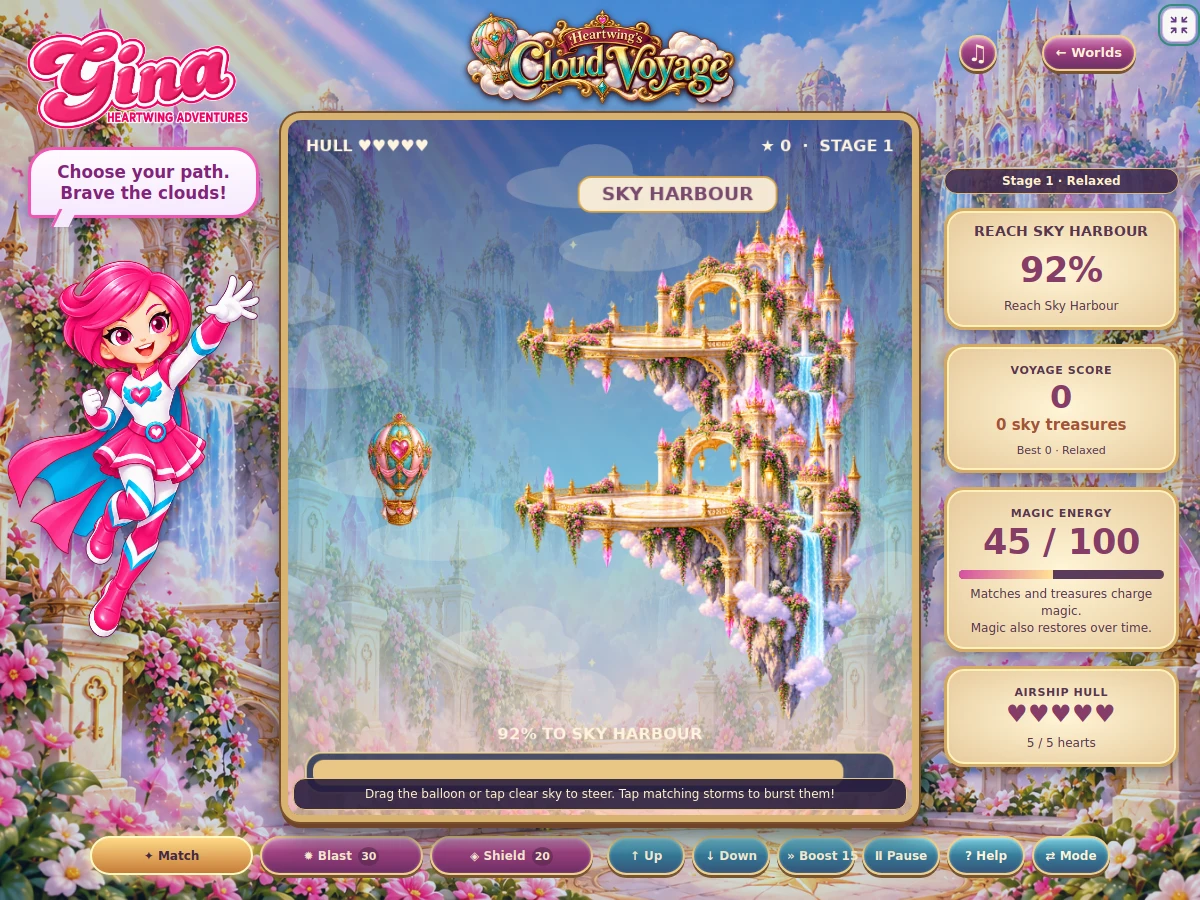
- Drag the airship or tap clear sky to steer in any direction. Arrow keys or W/A/S/D also steer.
- B boosts, 1/2/3 select tools and Space pauses. On-screen controls provide the touch alternatives.
02 · Make a little magic
How to play
Locate the cargo in each crossing and choose a route through the sky.
Steer around moving storms and magical birds, or spend magic to clear a path.
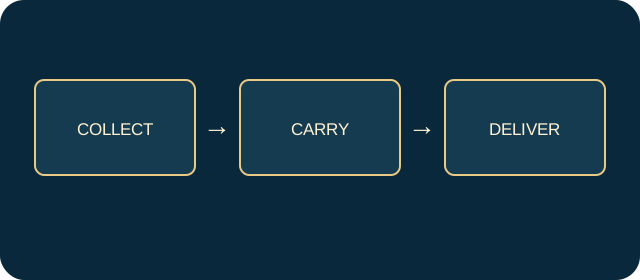
Collect all three required cargo trunks before reaching Sky Harbour.
If cargo is missed or the hull fails, choose Retry this sector for the checkpoint, or restart the whole voyage.
03 · Know your world
Objects & controls
Use this field guide alongside the picture and the labels inside the game.
- Ornate cargo trunk
- Required cargo. Each restores 18 magic.
- Small bonus trunk
- An optional pickup restoring 6 magic; it does not replace required cargo.
- Storm cloud
- A collision hazard. Clouds with matching symbols can be cleared together for 8 magic.
- Magical bird
- A moving collision hazard; a shield protects you and a blast shoos it away.
- Faint cloud suggestion
- An optional route suggestion, not a compulsory lane.
- Blast
- Costs 28 magic and clears an area.
- Shield
- Lasts five seconds and uses one of your limited shields.
- Boost
- Costs 15 magic for faster travel.
- Hull heart
- Airship health. At least one must remain at the harbour.
- Lightning
- Atmospheric scenery; clouds and birds are the collision hazards.
04 · Your goal
Modes & passing levels
- Relaxed starts with five hull hearts and three shields.
- Challenge starts with three hearts and two shields.
- Later voyages add stronger wind, moving formations and longer crossings. Magic does not refill just by waiting.
05 · A helping hand
Helpful tips
- Save a shield for a crossing where cargo lies close to a hazard.
- Steer back towards missed cargo while it remains reachable. Menus pause the voyage, music and weather.
06 · Before you leave
Progress & Sparks
The game’s score, stars, hearts and magic are different from your family’s spendable Sparks. The app confirms any Sparks awarded under the current account rules, waiting periods and daily limits.
Use the game’s menu to leave and allow any save or reward confirmation to finish. If the app reports a connection or saving problem, keep that message in mind before closing. Guest saving can differ from signed-in profile saving.
These instructions do not unlock paid content or spend Sparks. The app shows the current preview and access options.