
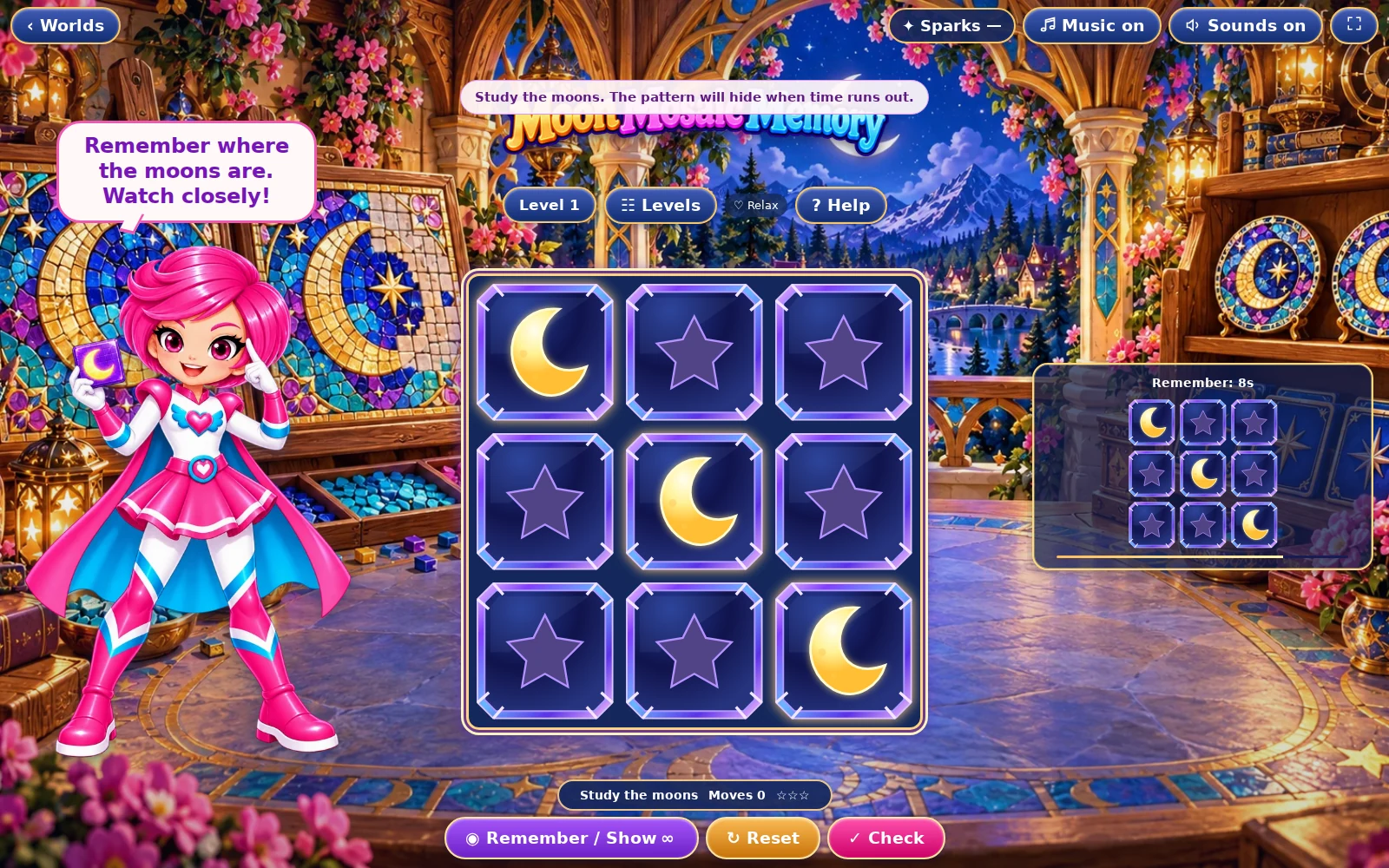
01 · Settle in
Getting started
Open this activity from the app. If it offers a choice of mode, read the differences below before starting.
- Choose Remember to study the pattern. Tap or click squares to add or remove moons after it hides.
- Show Pattern gives another look. Check Pattern compares your answer; Reset clears your answer.
02 · Make a little magic
How to play
Press Remember and study the rows, gaps and clusters before the viewing timer ends.
After the pattern disappears, place moons in the squares you remember.
Use Show Pattern if available. Your current answer is retained during the extra look.
Press Check Pattern. You pass only when every required square is filled and every other square is empty.
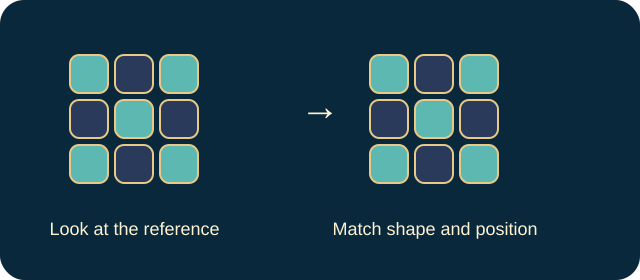
03 · Know your world
Objects & controls
Use this field guide alongside the picture and the labels inside the game.
- Glowing moon
- A square you must remember and reproduce.
- Empty square
- A required gap; extra moons count as errors.
- Reference panel
- Shows the target during a viewing period.
- Timer bar
- The remaining study time, not a deadline for entering your answer.
- Looks counter
- The number of additional reveals available in Challenge.
- Difference feedback
- Reports how many squares disagree with the target.
04 · Your goal
Modes & passing levels
- Relax gives twice the study time and unlimited extra looks.
- Challenge uses the ordinary viewing time and three additional looks. It is a timed-recall challenge, not the move-budget system used by the other redesigned puzzles.
05 · A helping hand
Helpful tips
- Remember small groups or a shape rather than isolated positions.
- Reset clears your answer but keeps the remaining looks. Check the gaps as carefully as the moons.
06 · Before you leave
Progress & Sparks
The game’s score, stars, hearts and magic are different from your family’s spendable Sparks. The app confirms any Sparks awarded under the current account rules, waiting periods and daily limits.
Use the game’s menu to leave and allow any save or reward confirmation to finish. If the app reports a connection or saving problem, keep that message in mind before closing. Guest saving can differ from signed-in profile saving.
These instructions do not unlock paid content or spend Sparks. The app shows the current preview and access options.