
01 · Settle in
Getting started
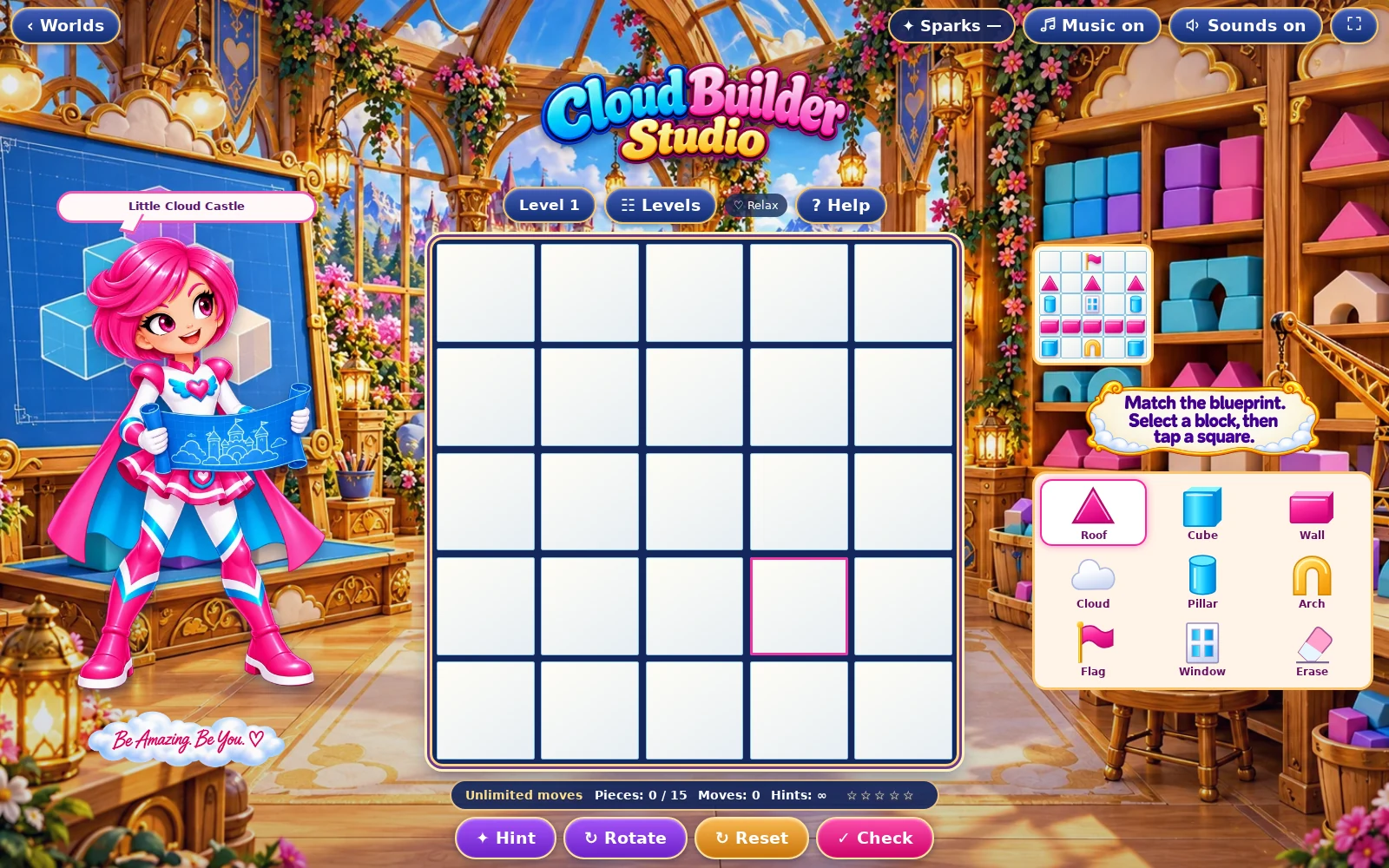
Open this activity from the app. If it offers a choice of mode, read the differences below before starting.
- Tap or click a block in the palette, then a square on the building board.
- Rotate changes the selected block before placement. Erase clears a square. Hint fixes one square.
02 · Make a little magic
How to play
Compare the blueprint grid with your empty building grid.
Choose the correct block and rotate it to match the reference.
Place each block at the corresponding position. Leave blank blueprint positions empty.
Press Check to compare every square. Correct the highlighted differences and check again.
03 · Know your world
Objects & controls
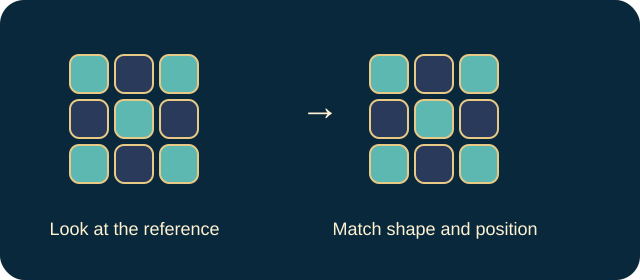
Use this field guide alongside the picture and the labels inside the game.
- Blueprint
- The complete target arrangement to copy.
- Building grid
- Your editable copy of the blueprint.
- Block
- A building piece; its shape and orientation both matter.
- Rotate
- Turns the selected piece before it is placed.
- Erase
- Removes an unwanted piece from a square.
- Hint
- Corrects one mismatched square.
- Empty square
- Part of the solution, not a space that must always be filled.
04 · Your goal
Modes & passing levels
- Relax gives unlimited moves and extra hints. Challenge has a move budget calculated for the level, with less spare allowance as levels rise. Read the counter before committing a move.
- When the Challenge allowance runs out, use the offered retry rather than repeatedly tapping the board. A correct final move can complete the puzzle. The controls pause further play when the challenge has ended.
05 · A helping hand
Helpful tips
- Copy one row at a time and use an asymmetric block to check your orientation.
- If the board looks almost correct, inspect rotated pieces and extra blocks in supposed gaps.
06 · Before you leave
Progress & Sparks
The game’s score, stars, hearts and magic are different from your family’s spendable Sparks. The app confirms any Sparks awarded under the current account rules, waiting periods and daily limits.
Use the game’s menu to leave and allow any save or reward confirmation to finish. If the app reports a connection or saving problem, keep that message in mind before closing. Guest saving can differ from signed-in profile saving.
These instructions do not unlock paid content or spend Sparks. The app shows the current preview and access options.