
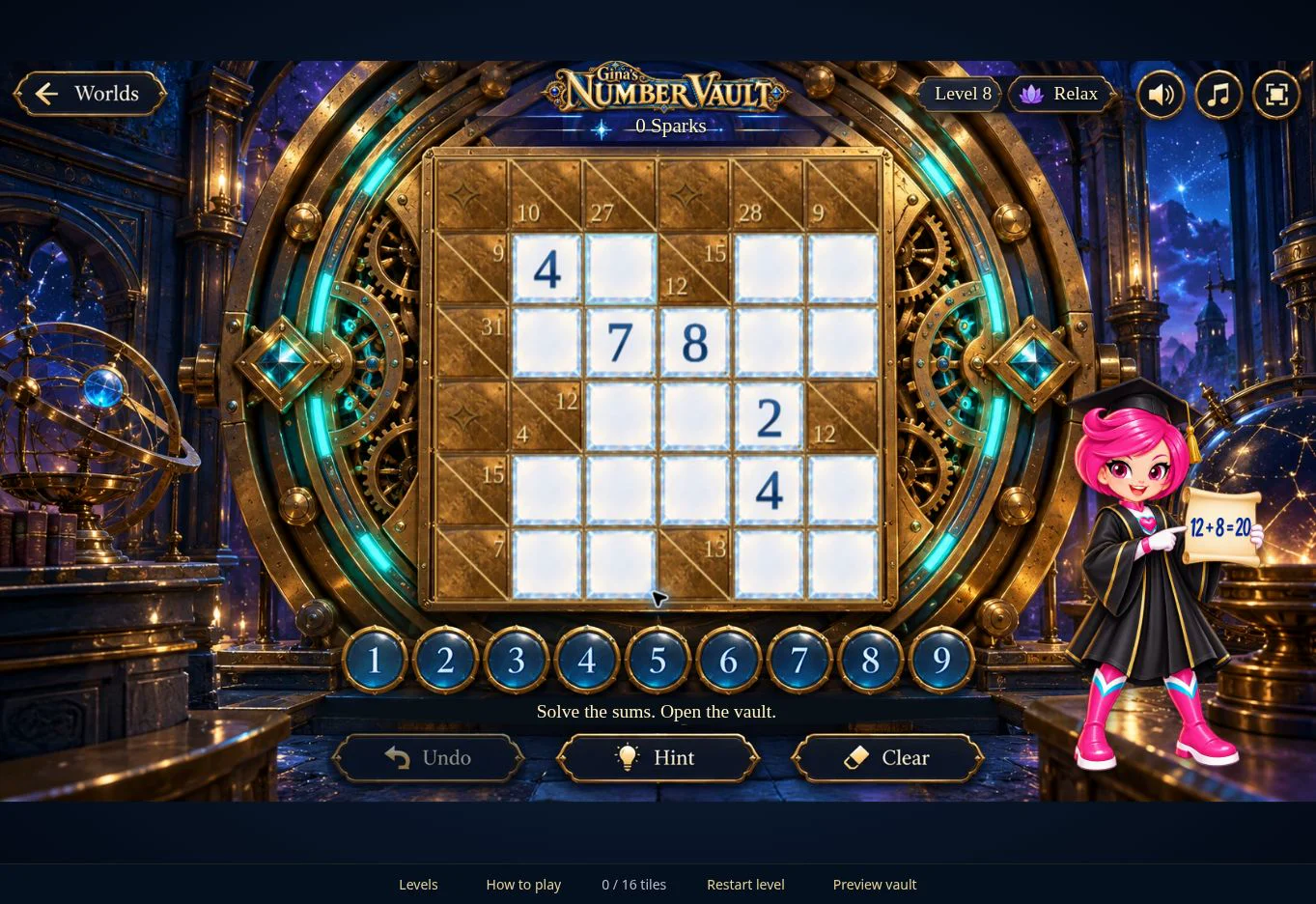
01 · Settle in
Getting started
Open this activity from the app. If it offers a choice of mode, read the differences below before starting.
- Tap a crystal, then a number from the selection row.
- Use Undo to reverse your last move, Clear to empty the selected editable crystal, and Hint for help.
- Worlds returns to the app. Sound, music and full-screen controls sit at the upper right.
02 · Make a little magic
How to play
Look for a short run with only one missing number.
Subtract the numbers already shown from the gold clue.
Select the missing crystal and choose the remaining number.
Check the crossing run too. A number must satisfy both clues.
Complete all the runs to open the vault, then continue to the next level.
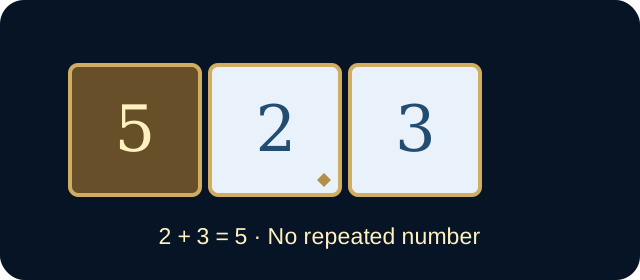
03 · Know your world
Objects & controls
Use this field guide alongside the picture and the labels inside the game.
- Gold clues
- The target sum for the adjacent horizontal or vertical run.
- Crystal tiles
- The spaces in which numbers belong.
- Small gold diamonds
- Fixed numbers that cannot be changed.
- Levels
- Choose and replay a level you have already reached.
- Vault
- The door opens after all the clues are solved.
04 · Your goal
Modes & passing levels
- Play at your own pace. There is no time limit on solving the vault.
- Early levels introduce small numbers; later levels use larger sums and fewer given numbers.
- Previously reached levels remain available for replay. Replaying a completed level does not create a new first-completion reward.
05 · A helping hand
Helpful tips
- Start with the shortest runs.
- Remember that a number cannot repeat within one run.
- Use a crossing clue to choose between possibilities.
- Allow any saving or reward confirmation to finish before leaving.
06 · Before you leave
Progress & Sparks
The game’s score, stars, hearts and magic are different from your family’s spendable Sparks. The app confirms any Sparks awarded under the current account rules, waiting periods and daily limits.
Use the game’s menu to leave and allow any save or reward confirmation to finish. If the app reports a connection or saving problem, keep that message in mind before closing. Guest saving can differ from signed-in profile saving.
These instructions do not unlock paid content or spend Sparks. The app shows the current preview and access options.