
01 · Settle in
Getting started
Open this activity from the app. If it offers a choice of mode, read the differences below before starting.
- Drag with a finger or mouse, or use arrows / W/A/S/D to steer. Release the drag to stop.
- Use Dash or Cool when ready. Clear cargo discards what you are carrying.
02 · Make a little magic
How to play
Read an order card and identify its exact ingredients.
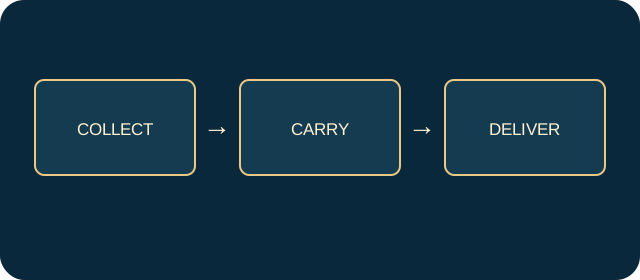
Collect the matching flowers and crystals, using no more than three cargo slots.
When the order says READY, steer into the matching glowing altar to deliver it.
Complete the delivery target while keeping at least one heart. Each successful delivery restores one heart.
03 · Know your world
Objects & controls
Use this field guide alongside the picture and the labels inside the game.
- Order card
- Shows the required ingredients and, in Challenge, its remaining time.
- Flower or crystal
- An ingredient to collect for the exact recipe.
- Cargo slot
- One of three carrying spaces.
- READY label
- Confirms you hold a complete recipe.
- Coloured altar
- The matching delivery dock; physically steer into it.
- Steam
- Flashes before firing. A hit costs a heart.
- Timed gate
- A shortcut that closes; top and bottom routes remain available.
- Dash
- A brief burst with an eight-second recharge.
- Cool
- Stops steam for four seconds, with a fourteen-second recharge.
- Clear cargo
- Discards ingredients; it does not deliver an order.
04 · Your goal
Modes & passing levels
- Relaxed has more hearts and orders do not expire.
- Challenge has three hearts and expiring orders. An expired order costs a heart; later timers shorten to a minimum of 36 seconds.
05 · A helping hand
Helpful tips
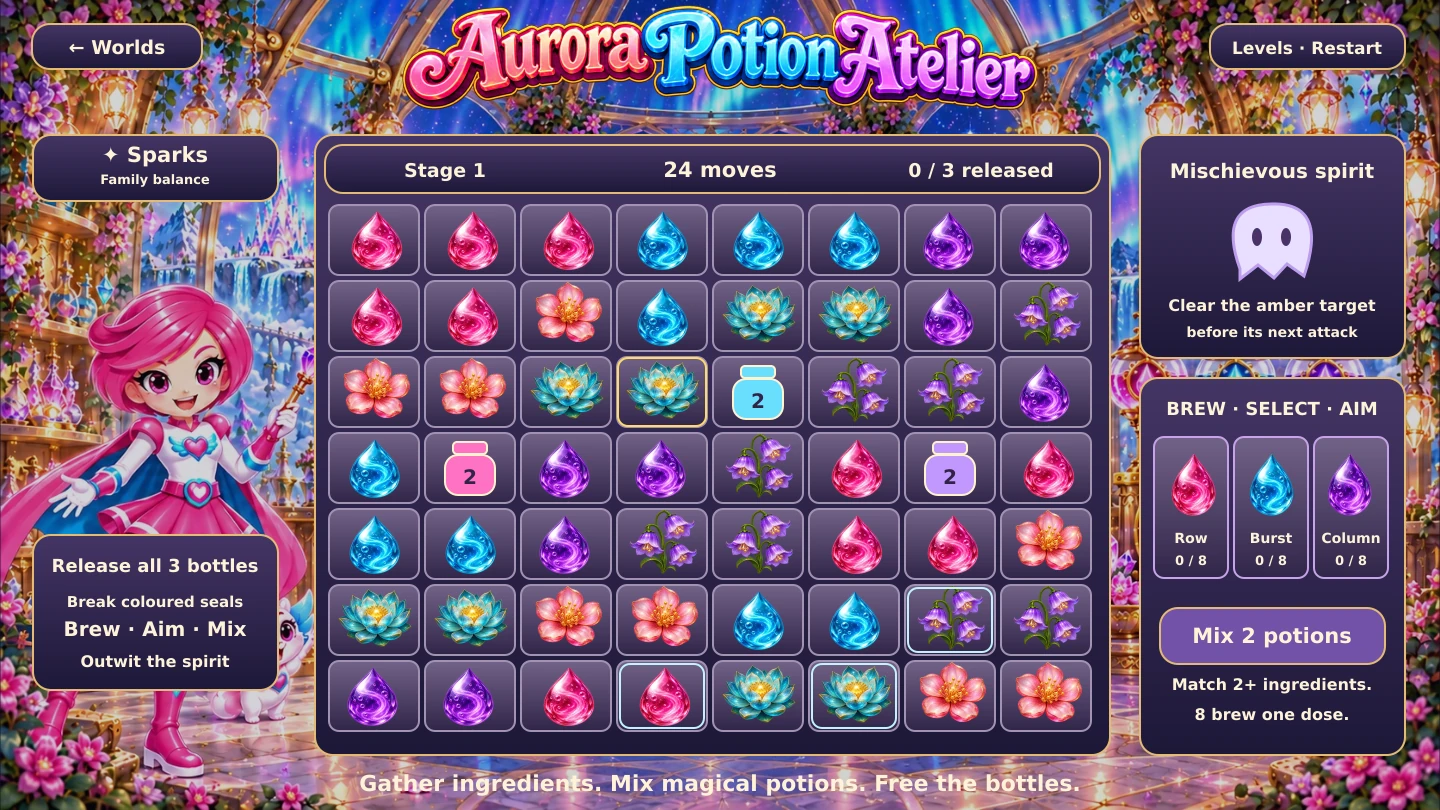
- This is the current Cauldron Courier game, not the older ingredient-matching board.
- Plan one complete recipe before filling all three slots. A READY card still needs delivery at the altar.
06 · Before you leave
Progress & Sparks
The game’s score, stars, hearts and magic are different from your family’s spendable Sparks. The app confirms any Sparks awarded under the current account rules, waiting periods and daily limits.
Use the game’s menu to leave and allow any save or reward confirmation to finish. If the app reports a connection or saving problem, keep that message in mind before closing. Guest saving can differ from signed-in profile saving.
These instructions do not unlock paid content or spend Sparks. The app shows the current preview and access options.