
01 · Settle in
Getting started
Open this activity from the app. If it offers a choice of mode, read the differences below before starting.
- Tap a jewel and then an adjacent jewel, or swipe to swap them.
- Use Show frost to highlight remaining frozen tiles. Hint, Undo and Restart help you reconsider a route.
02 · Make a little magic
How to play
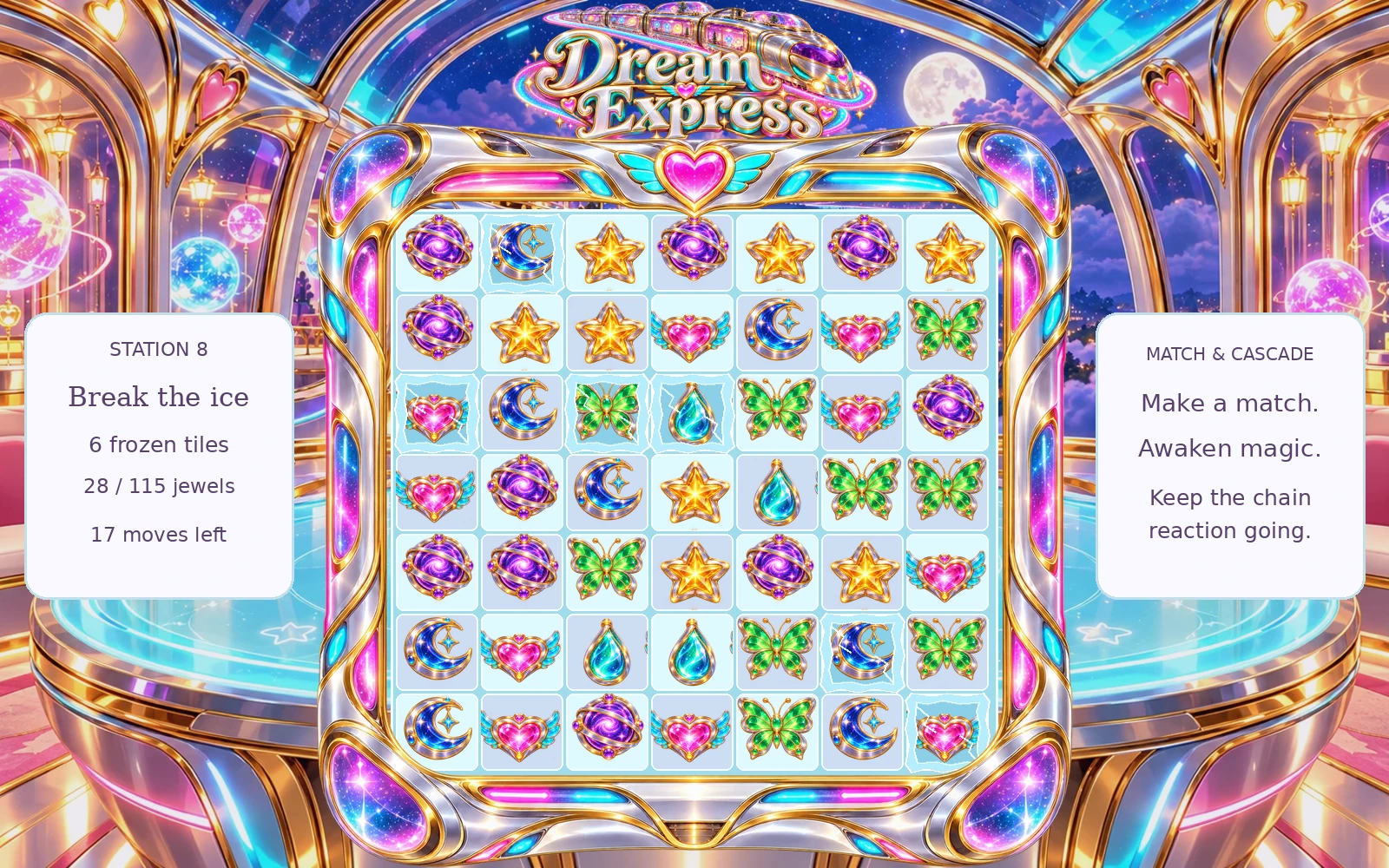
Read both goals: frozen tiles remaining and jewels needed for energy.
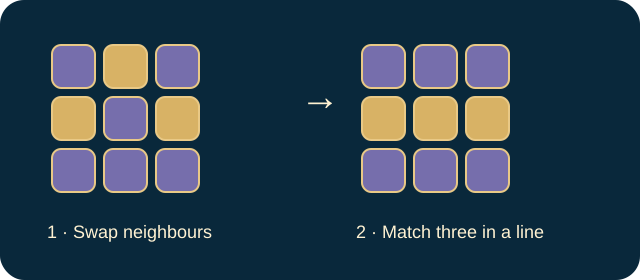
Swap adjacent jewels to match three or more in a row or column.
Make matches on frozen squares to remove their frost. Use powered jewels and cascades to clear more squares.
Complete both goals before moves run out. Filling the energy meter alone does not pass the station.
03 · Know your world
Objects & controls
Use this field guide alongside the picture and the labels inside the game.
- Jewel
- A normal match-three piece. Removed jewels contribute energy.
- Frozen tile
- A board square marked with a snowflake. Clear the jewel on it or hit it with a power.
- Crossfire
- Created by a match of four; clears its row and column.
- Dream Prism
- Created by a match of five or more; a colour-clearing power. Swap it with a neighbour to select that neighbour’s colour.
- Cascade
- Automatic follow-on matches after refill, increasing the chain and score.
- Energy meter
- Progress towards the required number of matched jewels.
- Show frost
- Highlights the remaining frozen locations without clearing them.
- Station
- A level in the continuing train journey.
04 · Your goal
Modes & passing levels
- Gentle journey gives eight more spare moves than the Challenge margin used to generate a station.
- Challenge uses the tighter budget. Higher stations increase frost and energy requirements with bounded difficulty.
- An invalid swap does not consume a valid move. A board with no possible move is refreshed automatically.
05 · A helping hand
Helpful tips
- If energy is complete, focus entirely on the remaining snowflake squares.
- When a run ends, return to undo if available or retry the station. Score and chain size are not substitutes for either objective.
06 · Before you leave
Progress & Sparks
The game’s score, stars, hearts and magic are different from your family’s spendable Sparks. The app confirms any Sparks awarded under the current account rules, waiting periods and daily limits.
Use the game’s menu to leave and allow any save or reward confirmation to finish. If the app reports a connection or saving problem, keep that message in mind before closing. Guest saving can differ from signed-in profile saving.
These instructions do not unlock paid content or spend Sparks. The app shows the current preview and access options.