
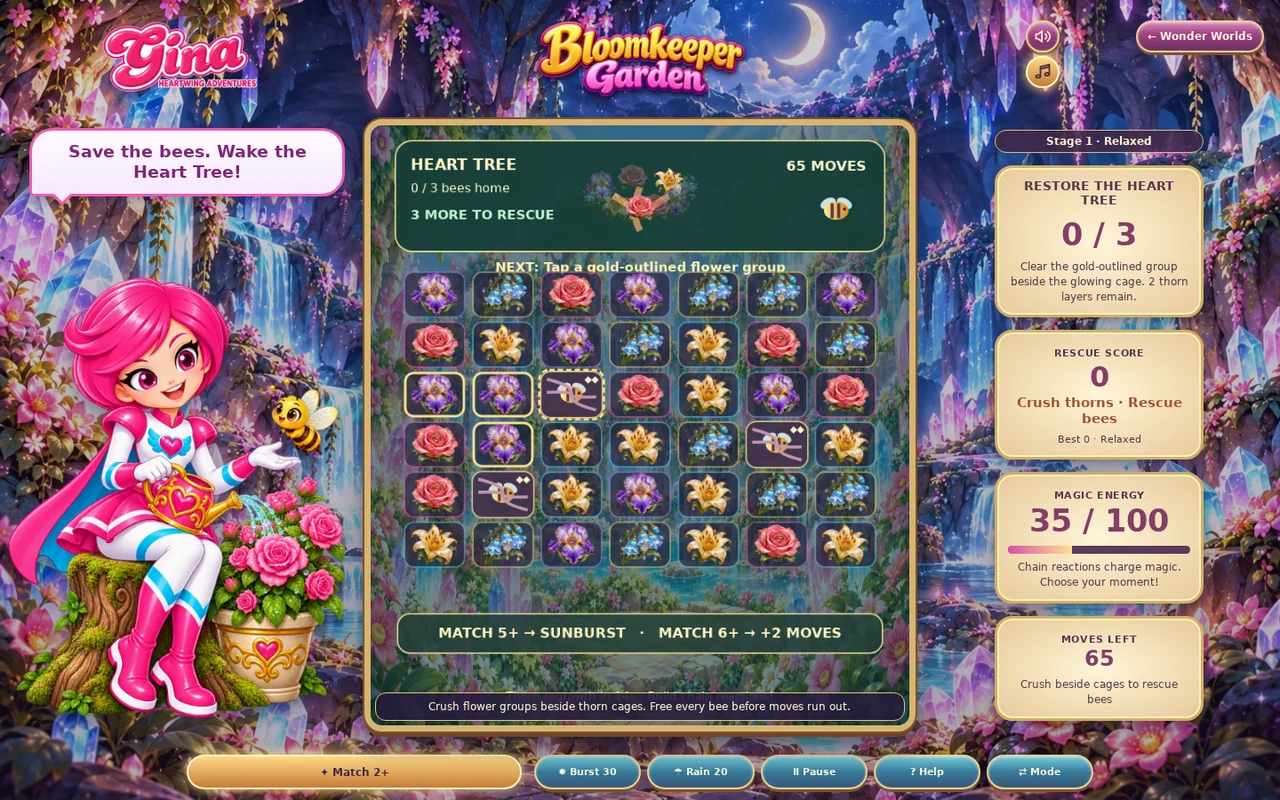
01 · Settle in
Getting started
Open this activity from the app. If it offers a choice of mode, read the differences below before starting.
- Tap or click a connected group of two or more flowers.
- Select Burst for a targeted clear or Rain to slow thorn regrowth.
02 · Make a little magic
How to play
Find the cages and their remaining thorn layers.
Clear flower groups beside a cage to remove a layer.
Keep working on damaged cages before their thorns regrow. Use larger groups to create sunbursts and recover moves.
Free every bee before the move counter reaches zero.
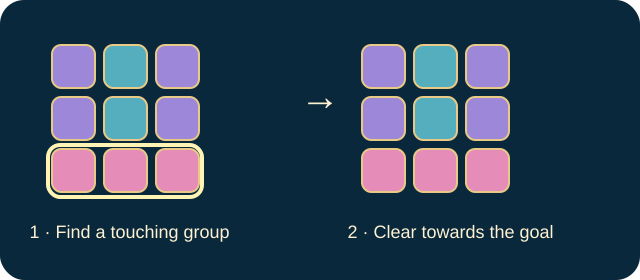
03 · Know your world
Objects & controls
Use this field guide alongside the picture and the labels inside the game.
- Flower group
- Two or more touching matching flowers; cleared flowers fall and refill.
- Bee cage
- The rescue target. Adjacent clears remove its thorn layers.
- Regrowing thorn
- Can return on a damaged cage left unfinished.
- Sunburst
- Made from five or more flowers. Tap it for a chain explosion.
- Large group
- Six or more flowers restores two moves.
- Burst
- Costs 30 magic for a targeted clear.
- Rain
- Costs 20 magic and pauses thorn regrowth for six seconds.
- Heart Tree
- The final restoration once every bee is free.
04 · Your goal
Modes & passing levels
- Relaxed begins with 65 moves.
- Challenge provides fewer moves. Both modes still require all bees to be rescued.
05 · A helping hand
Helpful tips
- Finish a weakened cage rather than spreading small amounts of damage everywhere.
- Arrange a larger group beside several cages to make one clear do more work.
06 · Before you leave
Progress & Sparks
The game’s score, stars, hearts and magic are different from your family’s spendable Sparks. The app confirms any Sparks awarded under the current account rules, waiting periods and daily limits.
Use the game’s menu to leave and allow any save or reward confirmation to finish. If the app reports a connection or saving problem, keep that message in mind before closing. Guest saving can differ from signed-in profile saving.
These instructions do not unlock paid content or spend Sparks. The app shows the current preview and access options.