
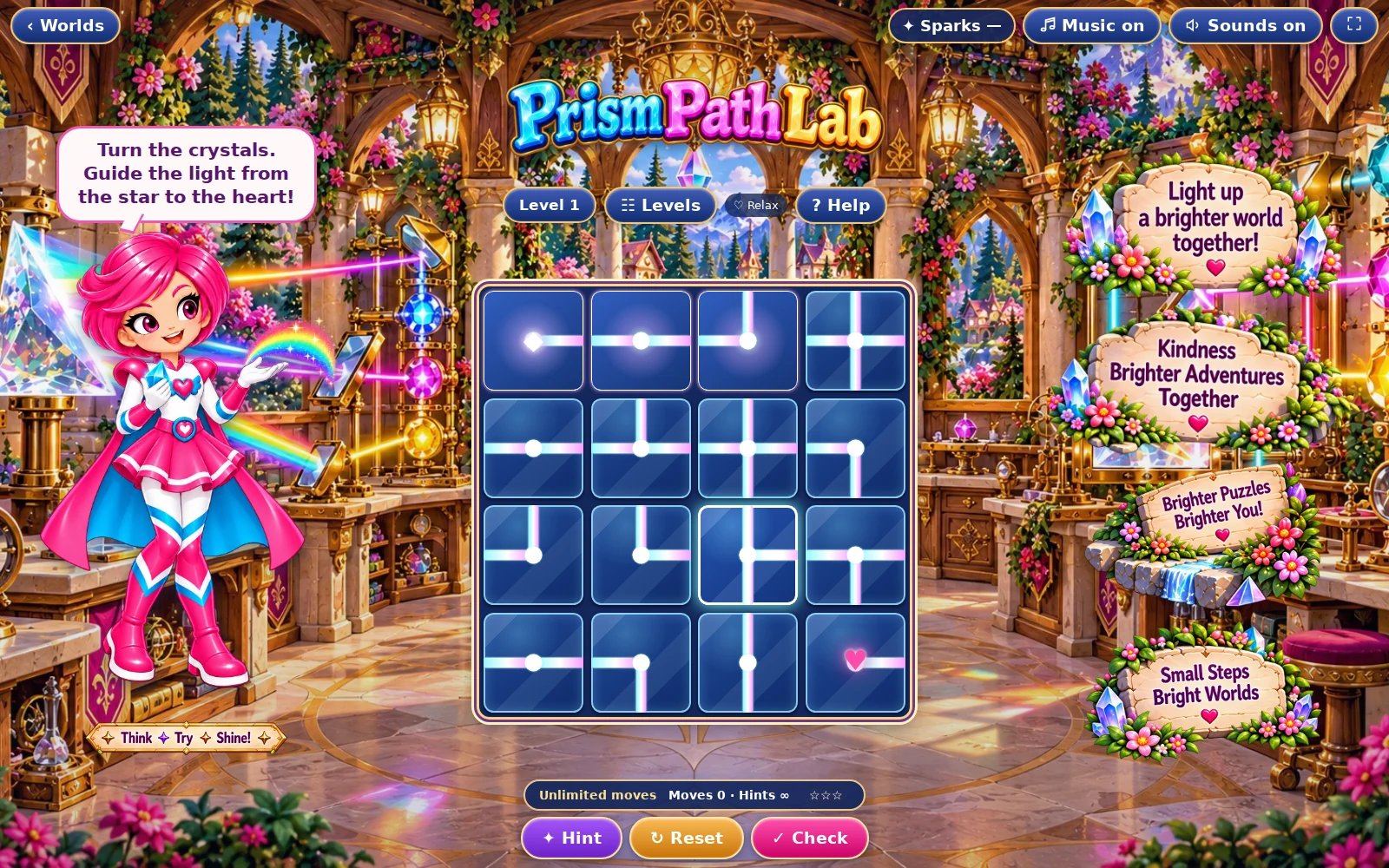
01 · Settle in
Getting started
Open this activity from the app. If it offers a choice of mode, read the differences below before starting.
- Click or tap a tile to rotate its channels clockwise.
- Use Hint to align a tile and Check to test the route. Select a level from the level controls.
02 · Make a little magic
How to play
Find START, the heart and any numbered crystals before turning tiles.
Follow the light from START. Both tiles must have openings at the shared edge.
Include every numbered crystal, then connect the heart. A route that reaches the heart but misses a required crystal is incomplete.
Use Check when the route is ready; complete the level to continue to the next path.
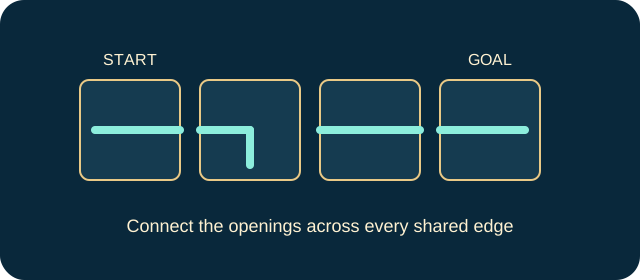
03 · Know your world
Objects & controls
Use this field guide alongside the picture and the labels inside the game.
- START
- The source of light. Trace the route from here.
- Channel tile
- A straight, corner or branching passage. Turning it changes the directions it connects.
- Glowing path
- Tiles reached by the source through matching openings.
- Heart
- The destination, which must be connected to START.
- Numbered crystal
- A required checkpoint. Every marked crystal must be lit; a decorative-looking number is still a goal.
- Hint
- Corrects a tile towards the intended route; use it when you cannot identify the break.
04 · Your goal
Modes & passing levels
- Relax gives unlimited moves and extra hints. Challenge has a move budget calculated for the level, with less spare allowance as levels rise. Read the counter before committing a move.
- When the Challenge allowance runs out, use the offered retry rather than repeatedly tapping the board. A correct final move can complete the puzzle. The controls pause further play when the challenge has ended.
05 · A helping hand
Helpful tips
- Trace one connection at a time instead of turning random tiles.
- Check numbered crystals before spending your final moves. A lit heart alone is not enough.
06 · Before you leave
Progress & Sparks
The game’s score, stars, hearts and magic are different from your family’s spendable Sparks. The app confirms any Sparks awarded under the current account rules, waiting periods and daily limits.
Use the game’s menu to leave and allow any save or reward confirmation to finish. If the app reports a connection or saving problem, keep that message in mind before closing. Guest saving can differ from signed-in profile saving.
These instructions do not unlock paid content or spend Sparks. The app shows the current preview and access options.