
01 · Settle in
Getting started
Open this activity from the app. If it offers a choice of mode, read the differences below before starting.
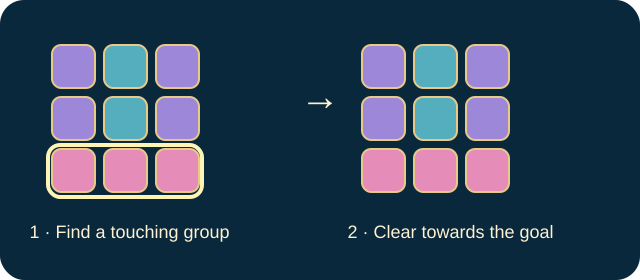
- Tap or click at least two matching planets joined horizontally or vertically.
- Tap special planets to trigger them. Use Combine for two neighbouring specials and choose a planet type when Spectrum asks.
02 · Make a little magic
How to play
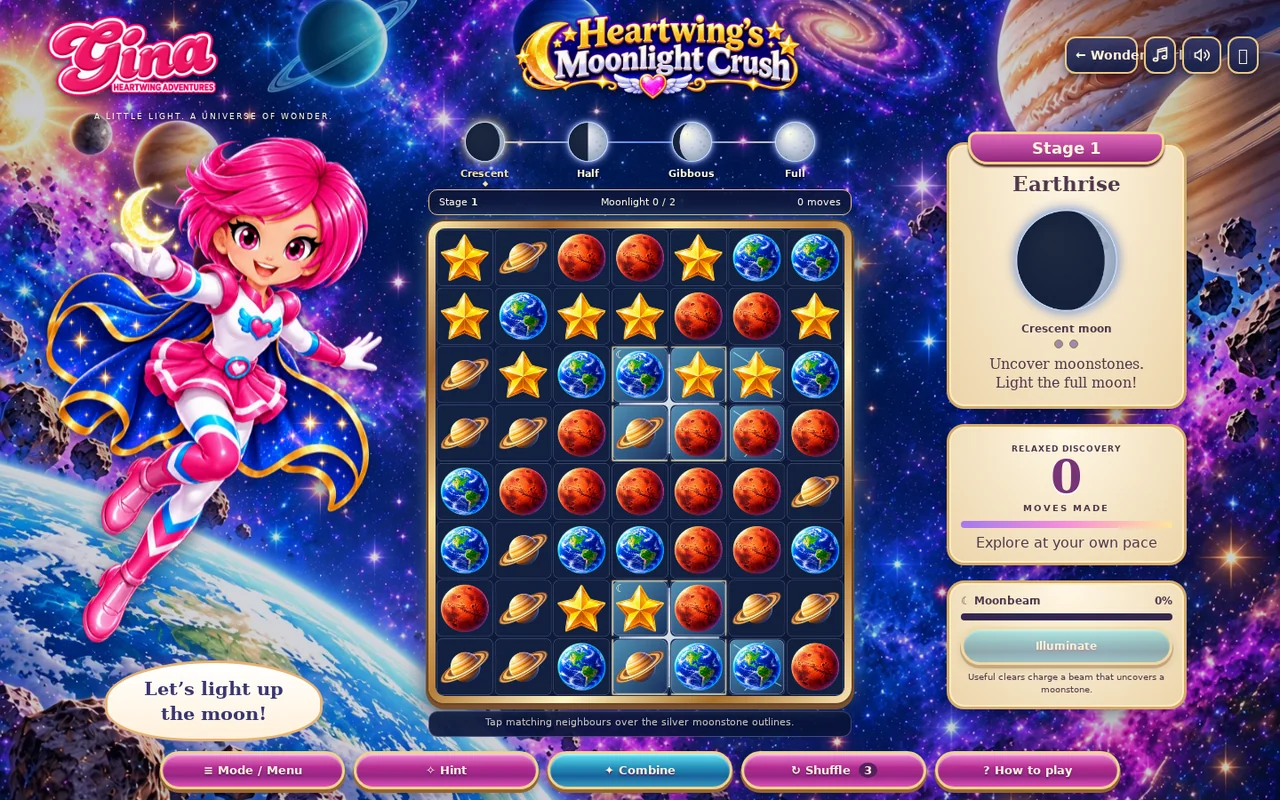
Find the silver outlines around hidden moonstones.
Clear above the outlined cells to remove their coverings.
Uncover all four squares of each moonstone. Its light then flows into the moon.
Continue until the full-moon goal is complete, then choose the next stage.
03 · Know your world
Objects & controls
Use this field guide alongside the picture and the labels inside the game.
- Matching planet
- A normal piece cleared as part of a connected group.
- Moonstone
- A hidden four-square collectible; partly revealing it is not enough.
- Dust
- A one-hit covering.
- Ice and meteor crust
- Layered coverings. Small dots show remaining layers.
- Meteor and nebula covering
- Can also be damaged beside a clear.
- Comet
- Made from a group of 5–6; a line-clearing special.
- Supernova
- Made from 7–8; clears an area.
- Spectrum
- Made from 9 or more; clears a chosen planet type.
- Moonbeam energy
- Charges from useful clears. Illuminate removes one layer from each square of a hidden moonstone without spending a move.
- Moon phases
- Show progress towards a complete moon.
04 · Your goal
Modes & passing levels
- Relaxed Discovery has no move limit.
- Moonlight Challenge requires the full moon within the displayed move budget. Shuffle has three uses and costs one move; automatic deadlock reshuffles are free.
- Each mode keeps its own progress.
05 · A helping hand
Helpful tips
- Two Comets cross; two Supernovas create a larger clear. Mixed specials create larger combined effects.
- Watch the outline after each clear: several covering layers may still remain even though the planets disappeared.
06 · Before you leave
Progress & Sparks
The game’s score, stars, hearts and magic are different from your family’s spendable Sparks. The app confirms any Sparks awarded under the current account rules, waiting periods and daily limits.
Use the game’s menu to leave and allow any save or reward confirmation to finish. If the app reports a connection or saving problem, keep that message in mind before closing. Guest saving can differ from signed-in profile saving.
These instructions do not unlock paid content or spend Sparks. The app shows the current preview and access options.