
01 · Settle in
Getting started
Open this activity from the app. If it offers a choice of mode, read the differences below before starting.
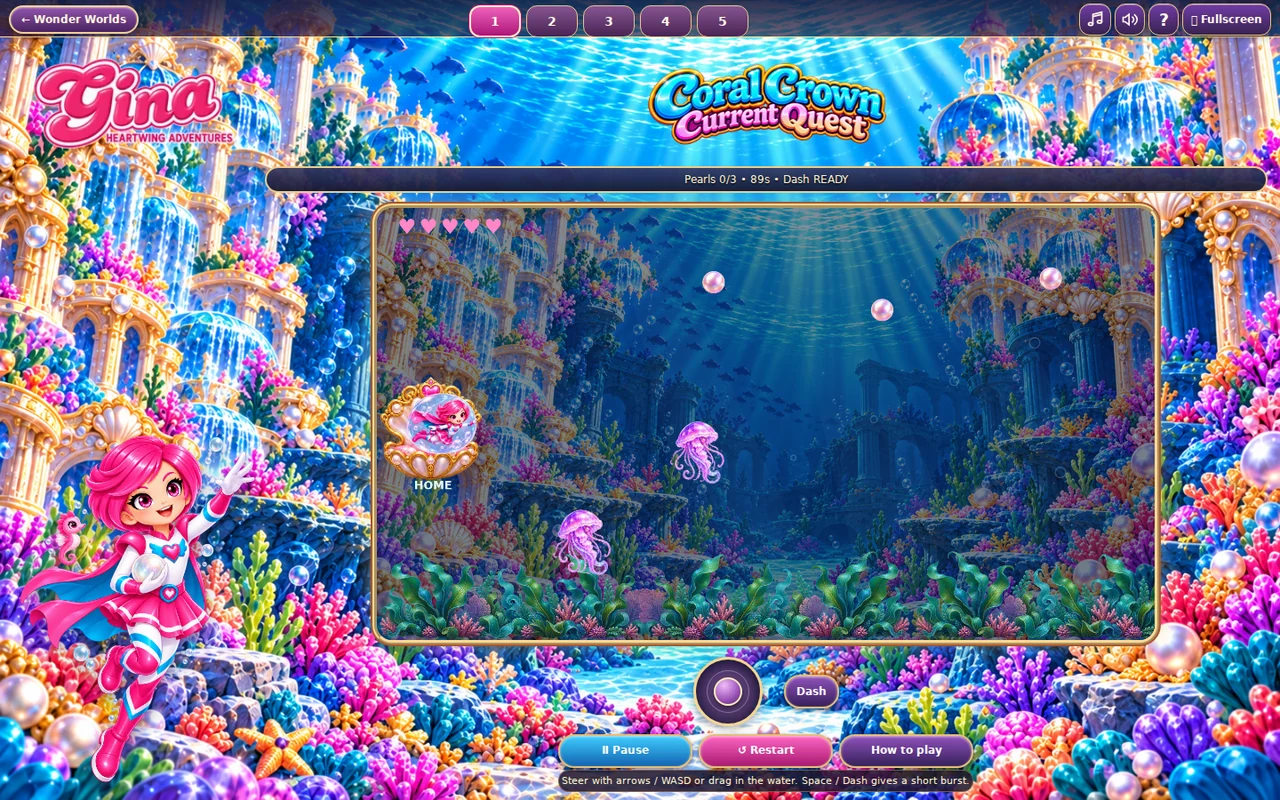
- Steer using arrows, W/A/S/D, the touch joystick, or by pressing and dragging in the water.
- Dash or Space gives a short burst of speed and protection, then recharges for three seconds.
02 · Make a little magic
How to play
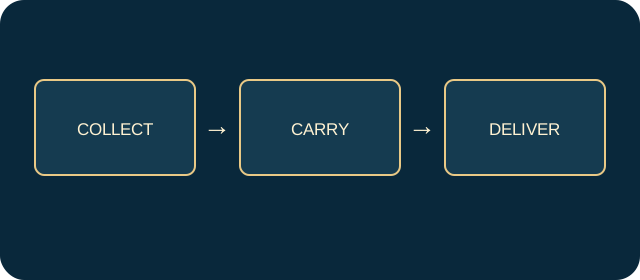
Touch a pearl to pick it up. You can carry only one at a time.
Swim back to the crown on the left, avoiding coral pillars and jellyfish.
Deliver the pearl to restore one heart and make room for another.
Repeat until the delivered count reaches the target before time or hearts run out.
03 · Know your world
Objects & controls
Use this field guide alongside the picture and the labels inside the game.
- Heart-bubble swimmer
- Your controllable character.
- Pearl
- A collectible that must be delivered, not merely touched.
- Crown
- The delivery point on the left.
- Carried pearl
- Slows normal swimming; return to the crown before collecting another.
- Jellyfish
- Costs a heart and can make you drop the carried pearl.
- Coral pillar
- A solid obstacle to swim around.
- Current
- Pushes your swimmer, especially in later levels.
- Dash
- Brief speed and protection, followed by a recharge.
04 · Your goal
Modes & passing levels
- The game uses a rescue count, hearts and a stage timer.
- Later levels require more deliveries and introduce stronger currents and more hazards.
05 · A helping hand
Helpful tips
- Use Dash for a dangerous return trip rather than wasting it in clear water.
- After a collision, locate the dropped pearl again; it has not been delivered automatically.
06 · Before you leave
Progress & Sparks
The game’s score, stars, hearts and magic are different from your family’s spendable Sparks. The app confirms any Sparks awarded under the current account rules, waiting periods and daily limits.
Use the game’s menu to leave and allow any save or reward confirmation to finish. If the app reports a connection or saving problem, keep that message in mind before closing. Guest saving can differ from signed-in profile saving.
These instructions do not unlock paid content or spend Sparks. The app shows the current preview and access options.