Chapters to explore
Input, process and output
A digital system receives input, processes it using instructions, and produces output. Input may come from a person or a sensor. A sensor detects a change such as light or temperature. The output depends on the instructions and the input.
Try it: Draw an input-process-output model for a familiar device.
Break a task into smaller parts
Decomposition means splitting a larger problem into manageable parts. Each part needs a clear job. A sequence can then combine them. This makes it easier to plan, test and find errors without changing everything at once.
Try it: Plan a short animation or paper performance as three testable parts.
Records, fields and useful charts
A record stores information about one item. A field is one kind of information, such as plant name or height. Use consistent units so values can be compared. A chart helps reveal a pattern, but its labels and scale must be clear.
Try it: Create a small table of non-personal observations and draw a labelled chart.
Connected devices and networks
A network links devices so they can exchange information. The internet is a large network of networks. The World Wide Web is one service that uses it. Some work can be done offline; a connection is needed only for tasks that depend on other connected systems.
Try it: Draw a simple network of home or school devices without recording passwords or addresses.
Search words and reliable answers
Search words describe what you want to find. More useful words can narrow results. A high position in a results list does not prove a claim is correct. Check who published the information, whether it answers the question, and whether another reliable source agrees.
Try it: With an adult, investigate one nature question and record which sources helped.
Create and credit digital work
A digital project combines choices about content, layout and purpose. Use your own material or material you are allowed to use. Crediting a creator explains where an idea or resource came from; credit alone does not automatically give permission. Review the project from the audience’s point of view.
Try it: Make a two-page digital or paper presentation using your own images.
Events, sequence and repetition
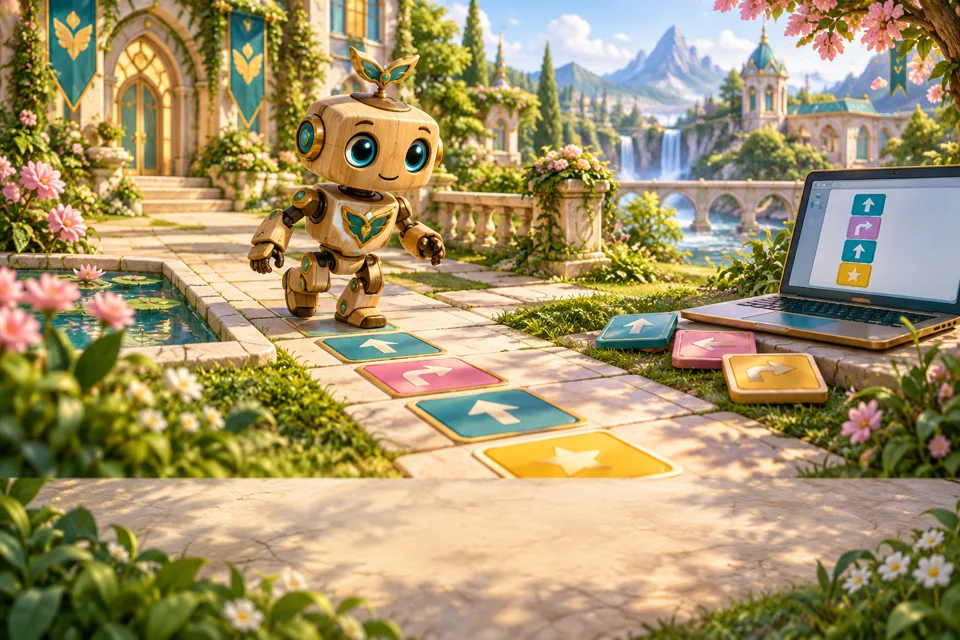
Programs can combine an event, an ordered sequence and a loop. Trace each part separately. A repeated pair of actions repeats both actions, while an instruction outside the loop happens according to its own position.
Try it: Trace a short mixed program with paper cards.
Digital images are made of pixels
A raster image is represented by a grid of pixels. Each pixel stores colour information. Enlarging a small image can reveal blocky edges. More pixels can provide more detail but may require more storage; image quality also depends on other factors.
Try it: Draw a small pixel picture on squared paper.
Collaborate and keep versions
A shared project needs clear roles and permission before changing others’ work. Version names or histories can help recover earlier ideas. Discuss changes and credit contributions. Sharing access should be arranged by a responsible adult.
Try it: Plan a shared paper presentation with clear ownership of tasks.